How to Convert PDFs into Searchable Programmatic Pages: Step‑by‑Step Guide for SEO‑Friendly Content
Introduction: why this matters and who wins
One knows the Internet is a traffic game, not a participation trophy ceremony. PDFs are full of valuable content, but left as PDFs they'll rot in obscurity while competitors crush rankings.
This guide shows how to convert PDFs into searchable programmatic pages so one can squeeze every drop of SEO value, add schema markup, and make content AEO/GEO aware. It's practical, slightly ruthless, and results‑driven.
What it means to convert PDFs into searchable programmatic pages
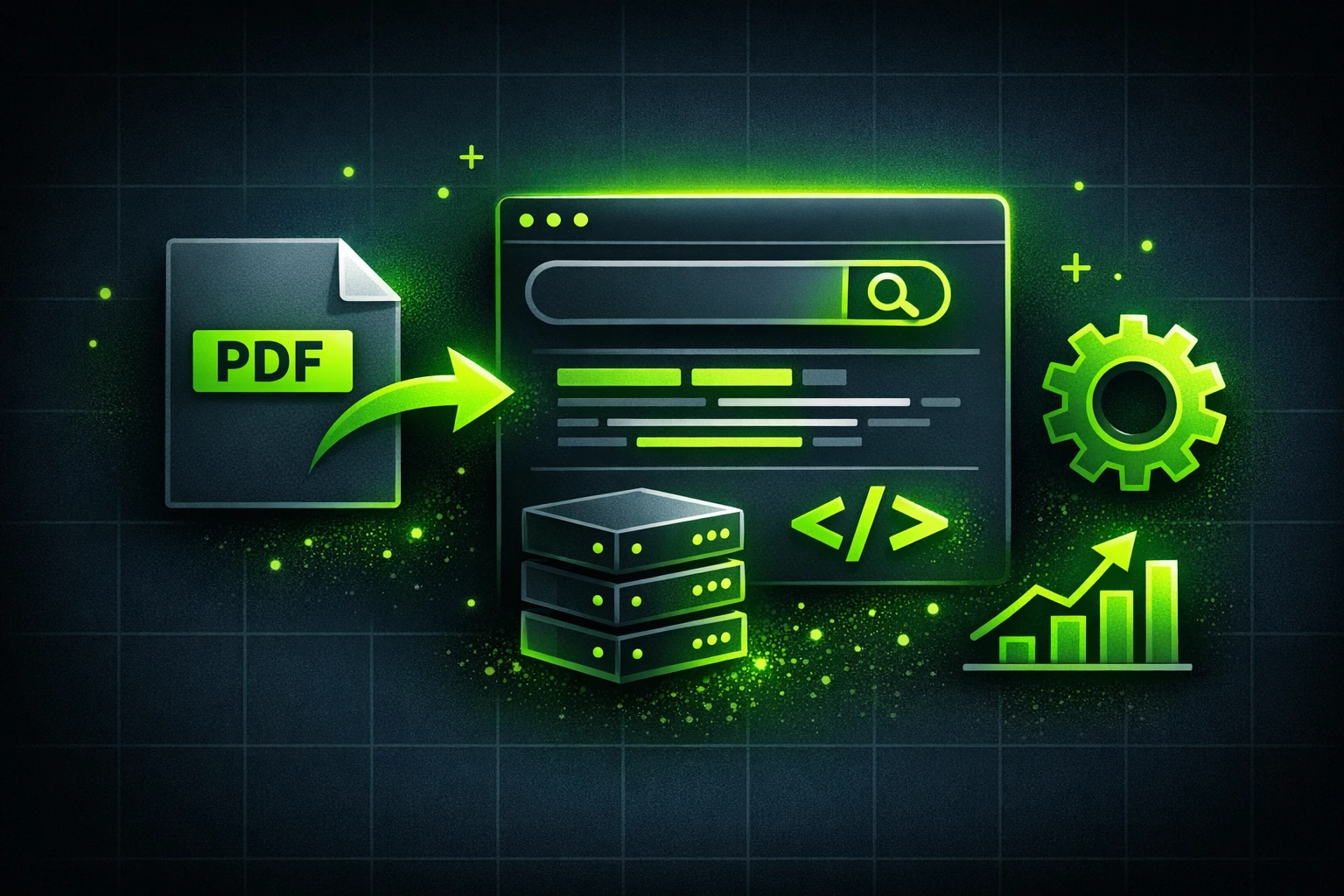
Converting PDFs into searchable programmatic pages means extracting text and metadata from PDFs and turning it into HTML pages, structured data, and APIs that search engines and LLMs can index and consume.
They'll get programmatic pages that support schema, AEO/GEO optimization, and better site architecture. That translates into more organic traffic and less reliance on AI slop for filler content.
High-level workflow
The process has three big phases: extraction, transformation, and publication. Each phase has practical choices depending on budget, volume, and desired granularity of schema markup.
Here's the quick map before diving deep: OCR or parse, clean and split, enrich with schema, and publish programmatically with templates and APIs. Simple? Not exactly — but repeatable and scalable.
Step‑by‑Step Instructions
1) Inventory and priorities
Start by cataloging PDFs by type, traffic potential, and update frequency. One doesn't need to convert every brochure; prioritize based on search intent and conversions.
Make a spreadsheet with columns: file, author, date, topic, priority, and GEO relevance. This is basiс housekeeping that separates winners from busywork.
2) Extraction: text, images, and metadata
If PDFs are born‑digital, extraction is straightforward with PDF parsers like Apache PDFBox, pdfminer, or commercial tools. If they're scans, OCR is mandatory — Tesseract or commercial OCR services work well.
Extraction should capture headings, paragraphs, tables, and images. Extract metadata (title, author, creation date) because schema markup will use it directly for optimization.
3) Cleaning and chunking
Once text is extracted, normalize whitespace, fix encoding, and remove junk line breaks. They won't rank if the content looks like automated slop — cleaning matters.
Split the content into logical chunks: page summaries, sections, FAQs, and table rows. Programmatic pages should map these chunks to templates and schema types.
4) Mapping to templates and schema
Design templates that reflect content type — whitepaper, product sheet, case study, or spec sheet. Use schema markup for each template: Article, HowTo, FAQ, Product, Dataset, or CaseStudy.
Here's a simple JSON‑LD example for a converted whitepaper using schema markup:
{
  "@context": "https://schema.org",
  "@type": "Article",
  "headline": "Title from PDF",
  "author": {"@type": "Person", "name": "Author Name"},
  "datePublished": "2025-10-01",
  "publisher": {"@type": "Organization", "name": "Company"}
}
5) Programmatic generation and routing
One should generate pages programmatically using a templating engine or static site generator. For high volumes, use an ETL pipeline that writes HTML, JSON, and index entries automatically.
Use predictable URLs and sitemap updates. Programmatic pages should be discoverable by crawlers and linked from category pages to pass internal authority.
6) SEO, AEO, and GEO optimization
Make sure meta tags, canonical URLs, and structured data are implemented. They should also consider AEO signals: content must answer explicit searcher questions and support conversational snippets for LLMs.
GEO optimization matters if PDFs contain local info. Add localBusiness schema, region tags, and localized content to attract local search traffic and map packs.
Technical deep dive: OCR, parsers, and llm augmentation
OCR accuracy is the foundation. If OCR misreads a table or spec, downstream schema is garbage. Use confidence thresholds and human QA for critical assets.
Once text is clean, LLMs can help generate summaries, FAQs, and keyphrase variants. But beware: LLM output can be slop without grounding. They should always verify LLM suggestions against source text.
Real‑world example and mini case study
A B2B vendor had 500 product spec PDFs untouched. They converted top 50 into programmatic pages, added Product schema markup and FAQs, and localized pages for three regions.
Result: organic product leads rose 83% in six months and featured snippets doubled. The lesson? Strategic conversion beats mass dumping PDFs every time.
Implementation checklist (practical)
- Audit PDFs and prioritize by traffic/value.
- Choose extraction tool (parser vs OCR) and test samples.
- Define templates and schema types for each content class.
- Automate generation, create sitemaps, and set canonical rules.
- Run QA, monitor rankings, iterate on content and schema.
Pros and cons
Pros: programmatic pages unlock long‑tail traffic, improved indexability, better SERP features via schema, and easier AEO/GEO signals. It's optimization that directly impacts leads.
Cons: initial engineering effort, OCR headaches, and potential duplication without correct canonicalization. They should budget time for QA and monitoring.
Common pitfalls and how to avoid them
Pitfall: publishing near‑duplicate text from PDFs without unique value. Fix by adding summaries, metadata, and FAQs so pages offer distinct signals to search engines.
Pitfall: trusting LLMs blindly. Use llm to augment and generate suggestions, but always ground content with extracted text and facts from the original PDFs.
Tools and tech stack suggestions
For extraction: Apache PDFBox, pdfminer, or commercial APIs. For OCR: Tesseract, Google Vision, or AWS Textract work great at scale.
For templates and DevOps: Next.js, Hugo, or a headless CMS paired with a CI pipeline. For schema testing, use Google Rich Results and structured data testing tools.
Final checklist before publishing
- Schema markup validated and in JSON‑LD format.
- Canonical tags set and sitemap updated.
- Internal linking and category pages updated.
- LLM‑generated content verified against source.
- GEO/AEO signals applied where relevant.
Conclusion: don’t chase vanity, chase traffic
They'll hear the quality over quantity sermon, but converting PDFs into searchable programmatic pages is both quality and scale. It's optimization that shows results and can crush competitors when done right.
One should treat this as an engineering + SEO project, not a content writing exercise. Use schema markup, watch GEO and AEO signals, and let llm help—just don't let it create slop. Results matter; this process delivers them.