How to Build an Interactive AI‑Powered Product Finder for E‑Commerce
One knows the ecommerce game is brutal and messy, so this guide gets straight to what works. It shows how to build interactive product finders with AI for ecommerce that actually move the needle on conversions and retention. Expect hands-on steps, architecture patterns, SEO and schema advice, plus gritty tradeoffs so one can crush competitors rather than nod along with marketing fluff.
Why Interactive Product Finders Matter
Shoppers are lazy and fickle, and the catalog is noisy, so interactive product finders cut through friction. They let shoppers answer a few natural questions and get matched to the right product, which boosts conversion rates and average order value. This isn't buzz — it's pragmatic optimization that translates to revenue.
Business outcomes to expect
One should expect higher conversion, lower return rates, and better LTV when personalization's done right. Interactive finders reduce cognitive load and surface appropriate SKUs, improving the funnel efficiency. They also create data signals that feed future recommendations and A/B testing loops.
High-Level Architecture
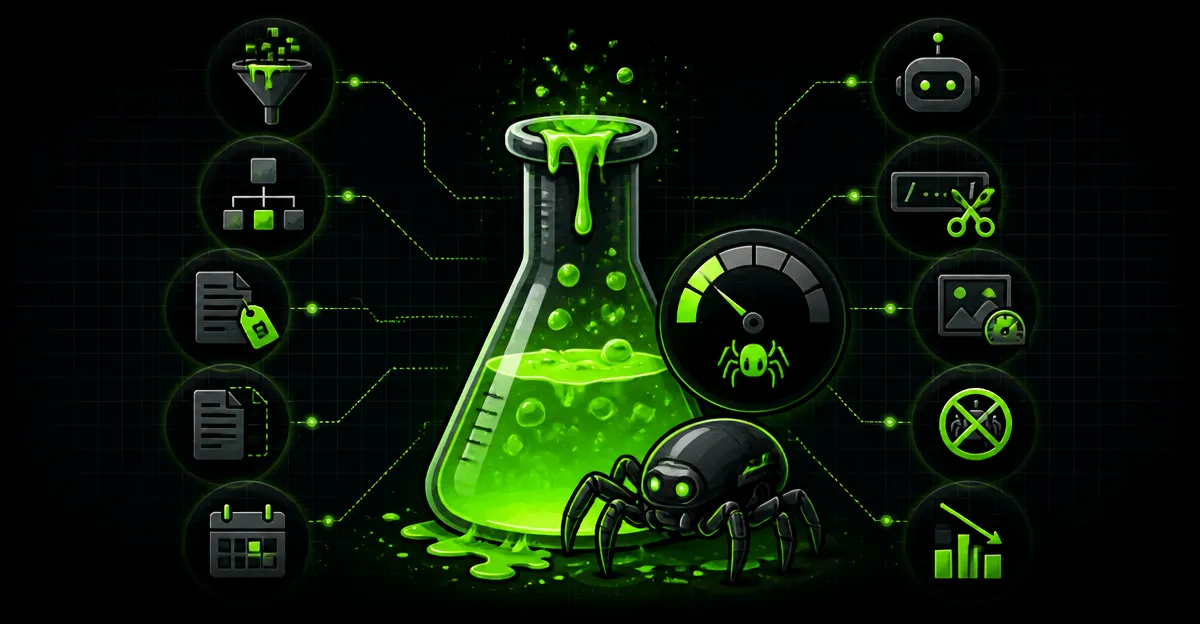
Building interactive product finders with AI for ecommerce requires three layers: the UI conversational layer, the intelligence layer (llm + retrieval), and the product data layer. Each layer has latency, privacy, and cost tradeoffs that one can't ignore. Below is a practical blueprint that balances performance and results.
Core components
- Frontend conversational UI — mobile-first, microcopy optimized for conversions.
- LLM intelligence — prompts, intent classification, and answer generation.
- Vector store / retrieval — product embeddings and similarity search.
- Product catalog & schema — normalized attributes and schema markup.
- Analytics & experimentation — metric-driven optimization and AEO tracking.
Step-by-Step Build Process
This section walks through concrete steps and examples so one can go from zero to a working product finder. Each step includes specifics and real-world tips so the work isn't theoretical. One will see a sample flow for a fashion retailer and an electronics store.
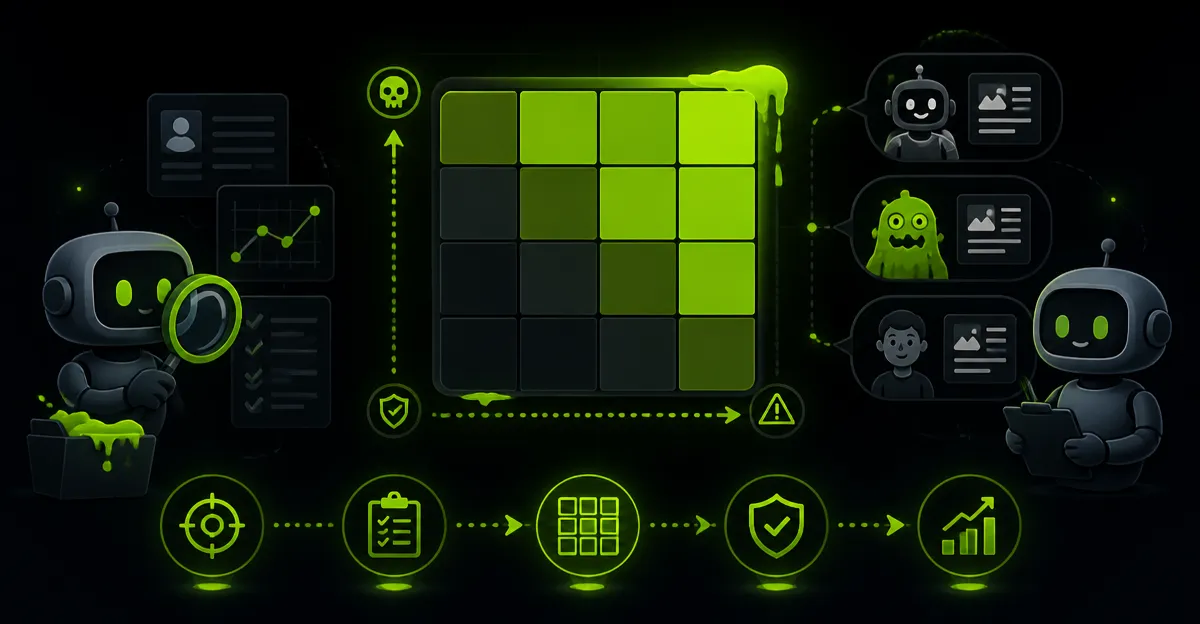
1. Define goals & KPIs
Decide whether the goal is to increase conversion, reduce returns, or improve time-to-first-purchase. Pick primary KPIs like conversion rate lift, AOV, and time-on-task. Also track SEO and organic engagement because interactive finders can boost search signals and AEO metrics.
2. Map product data and schema
Normalize attributes across catalog entries so the finder can query consistently. Use schema markup and product schema to expose structured data for external crawlers and internal retrieval. One should include attributes like size, material, compatibility, and price ranges to improve matching.
3. Choose your AI stack
One can pick an LLM provider for natural language understanding and generation, plus a vector DB for semantic search. On-premise models reduce privacy risk and API cost, while cloud LLMs accelerate development. Make the choice based on latency, cost, and the amount of conversational nuance required.
4. Build the conversational flow
Design a minimal question path that extracts key attributes in three to five steps. Use progressive disclosure and clarifying prompts to avoid overwhelming users. Offer quick buttons and images to speed decisions, and fall back to free-text for edge cases.
5. Implement retrieval and ranking
Generate embeddings for product descriptions and user queries, then perform k-NN searches to get candidates. Re-rank the candidates with a scoring function that combines match score, inventory, margin, and recency. This hybrid approach balances semantic matches with business rules.
UX and Conversation Design
UX makes or breaks a finder — a great model with a clunky interface is slop. One should test microcopy, button labels, and the number of required questions so the experience feels fast and helpful. Always default to the simplest path that answers the user's intent.
Design patterns that work
- Quick filters with icons for snappy choices.
- Show 3 recommended products after 2 questions to keep momentum.
- Use images and live inventory indicators to reduce cart abandonment.
Technical Deep Dive: Implementation Details
Latency and correctness are the two hard problems; one can't paper over them with UX. Use caching for frequent queries and local heuristics for very simple matches. Details below show real tradeoffs and code-light strategies.
Embeddings and vector search
Create embeddings from titles, specs, and reviews to capture product semantics. Store vectors in a search-optimized DB and include metadata like SKU, price, stock, and tags for fast filtering. For example, an electronics store might weight compatibility and specs higher in the final score.
Prompting and fallbacks
Use the LLM for open-ended clarifications and for converting user input into structured attributes. When confidence is low, present clarification options rather than hallucinated answers. One should log failures and retrain prompts periodically to tighten behavior.
SEO, GEO, AEO and Schema Considerations
Interactive finders aren't just about conversion — they also affect discoverability and answer engine performance. Proper schema markup and AEO hygiene make the finder visible to search engines and local GEO queries. One should always think about how the UI surfaces content that search crawlers can index.
Schema markup example
Adding JSON-LD product schema for top recommendations helps search engines and powers rich snippets. Include price, availability, brand, and aggregateRating for credibility. One must also consider local GEO attributes if inventory or pickup varies by location.
{
  "@context": "https://schema.org",
  "@type": "Product",
  "name": "Acme Trail Jacket",
  "image": "https://example.com/jacket.jpg",
  "description": "Waterproof trail jacket with breathable membrane.",
  "sku": "ATJ-123",
  "brand": {"@type":"Brand","name":"Acme"},
  "offers": {"@type":"Offer","price":"129.99","priceCurrency":"USD","availability":"https://schema.org/InStock"}
}
Testing, Metrics, and Continuous Optimization
One doesn't ship and pray; one experiments. Implement A/B tests for flow variants, question counts, and ranking weights. Track not just click-through but longer-term metrics like repeat purchase and churn.
Key experiments to run
- Minimal flow vs. detailed flow: measure conversion and time-to-purchase.
- LLM-driven suggestions vs. rule-based recommendations.
- Personalized default vs. generic defaults based on GEO and past purchases.
Pros, Cons, and Tradeoffs
Interactive product finders with AI for ecommerce aren't free magic; they bring costs and complexity. This section lays out the tradeoffs so decision-makers can act like a ruthless optimizer rather than an idealist.
Pros
- Higher conversion and lower returns when matching improves accuracy.
- Rich behavioral data for future personalization and AEO wins.
- Better mobile experience and shorter time-to-purchase.
Cons
- Upfront cost for models, vector infrastructure, and data cleanup.
- Risk of hallucination if relying solely on generative LLM outputs.
- Maintenance overhead: prompt tuning, schema updates, and experiments.
Real-World Examples and Case Studies
Examples clarify what's possible and what actually delivers. Below are compact case studies showing measurable outcomes and the approach used.
Case Study: Acme Bikes
Acme Bikes implemented a three-question finder for city and trail riders that combined attribute filtering with embeddings from reviews. Conversion rose 18% and returns dropped 10% in the first 90 days. They used schema markup to get rich snippets for model-specific queries, improving organic visibility.
Case Study: PureBeauty
PureBeauty used an LLM to interpret skin type questions and match to product formulations in their catalog. Time-to-purchase fell by 25% and AOV increased by 12%. The team created GEO-aware stock checks so users saw local pickup options, which improved in-store conversions.
Launch Checklist
Before pushing live, run a short checklist to avoid embarrassment. One should validate flows across devices, ensure schema is valid, and confirm latency SLAs. This prevents bad first impressions that cost traffic and trust.
- Validate JSON-LD and product schema markup.
- Run synthetic load tests on vector DB and LLM endpoints.
- Ensure fallback paths when the model fails or the DB is down.
- Instrument events for conversion, queries, and correction rates.
Conclusion
Interactive product finders with AI for ecommerce are a pragmatic lever for growth when built with discipline. One shouldn't treat this as a vanity feature; it's a revenue-generating experience when paired with good data, schema markup, and experimentation. Build with clear KPIs, avoid relying solely on generative slop, and iterate like a results-obsessed realist — or get buried.